Connecting for the First Time
Guidelines for Accessing The Brewers of Europe Members AreaBy following these guidelines, you will be able to smoothly access The Brewers of Europe Members Area and start using its features.
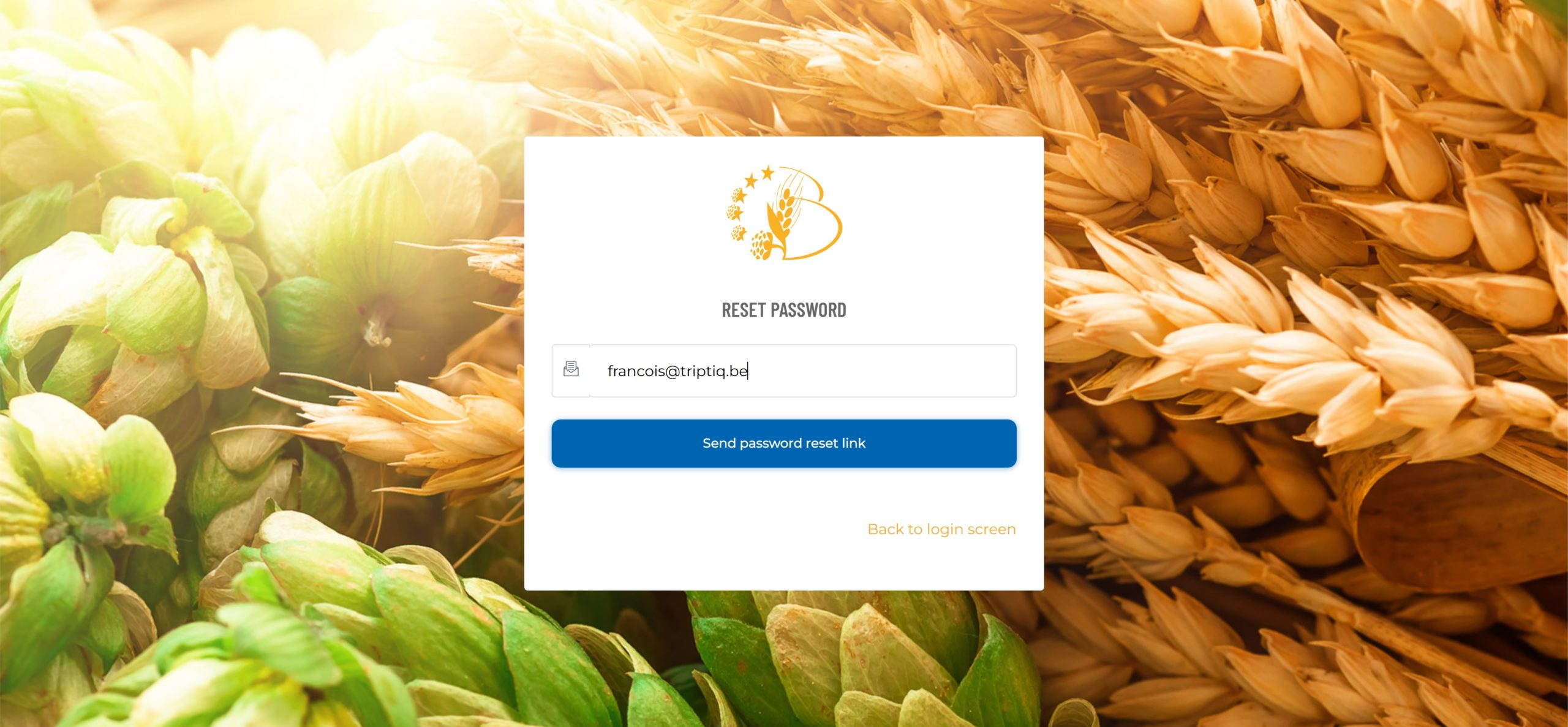
Password reset screen
Enter your email address and submit to receive an email with a password reset link.
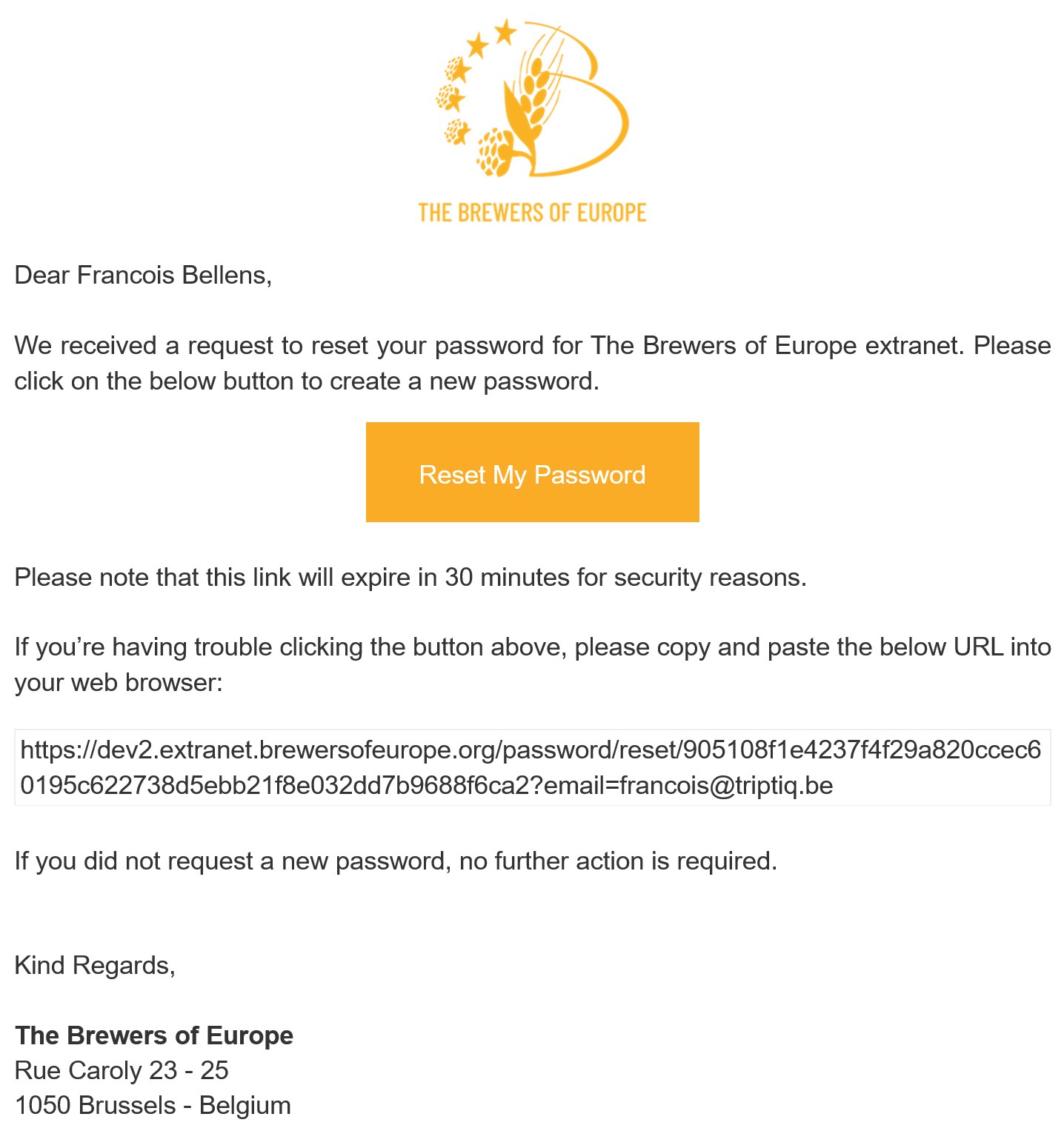
Password reset email
2. Click on the “Setup My Password” button or copy the provided link into your browser.
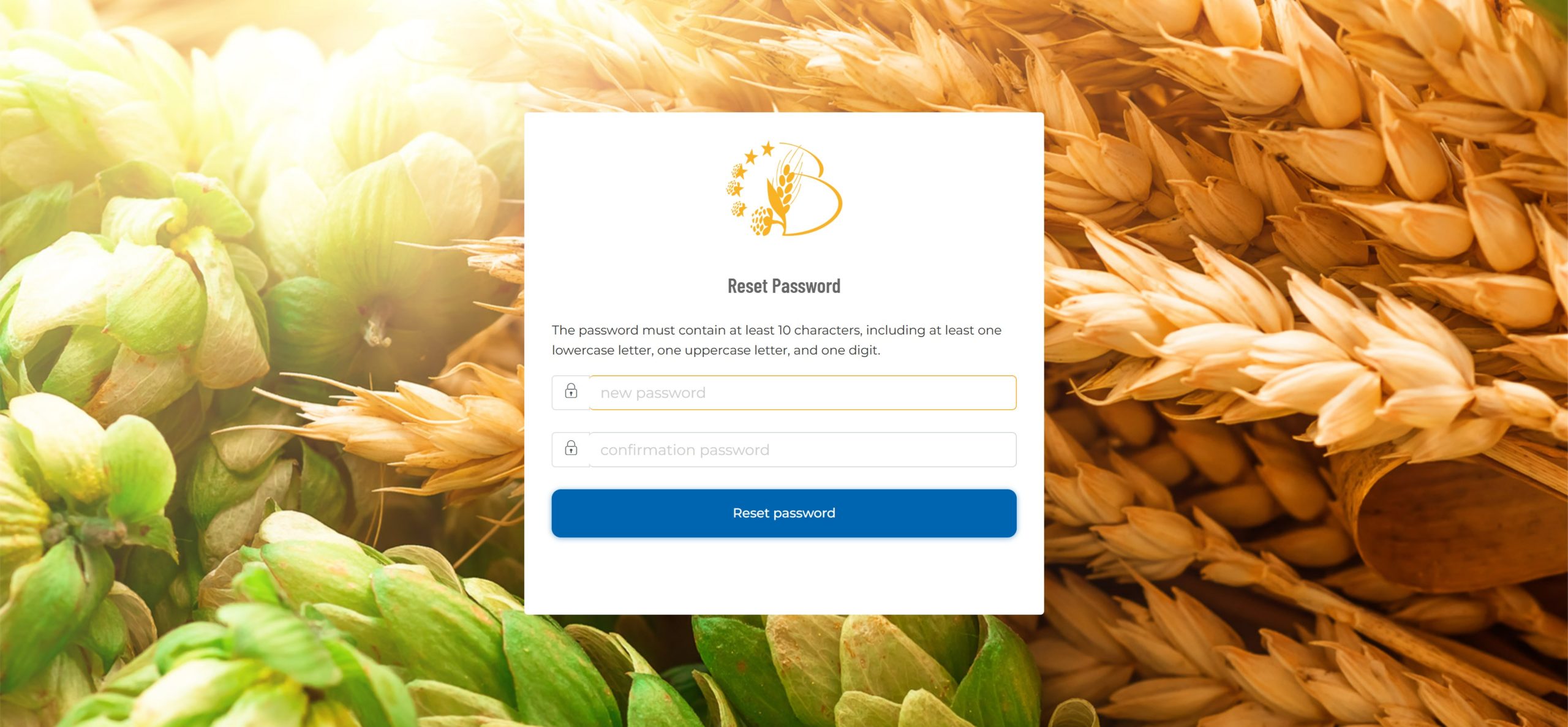
Creation of a new password
At least 10 characters, including one lowercase letter, one uppercase letter, and one digit
Scenario 1: Returning Members from the Old Platform
If you had access to the previous members' area, you will need to reset your password:
- Visit https://members.brewersofeurope/password/reset.
- Enter your registered email address and submit.
- You will receive an email with a password reset link. For security reasons, this link is only valid for 30 minutes.
- Click the link, create a secure password following the requirements (at least 10 characters, including one lowercase letter, one uppercase letter, and one digit), and confirm it.
- After resetting your password, log in using your email and new password.
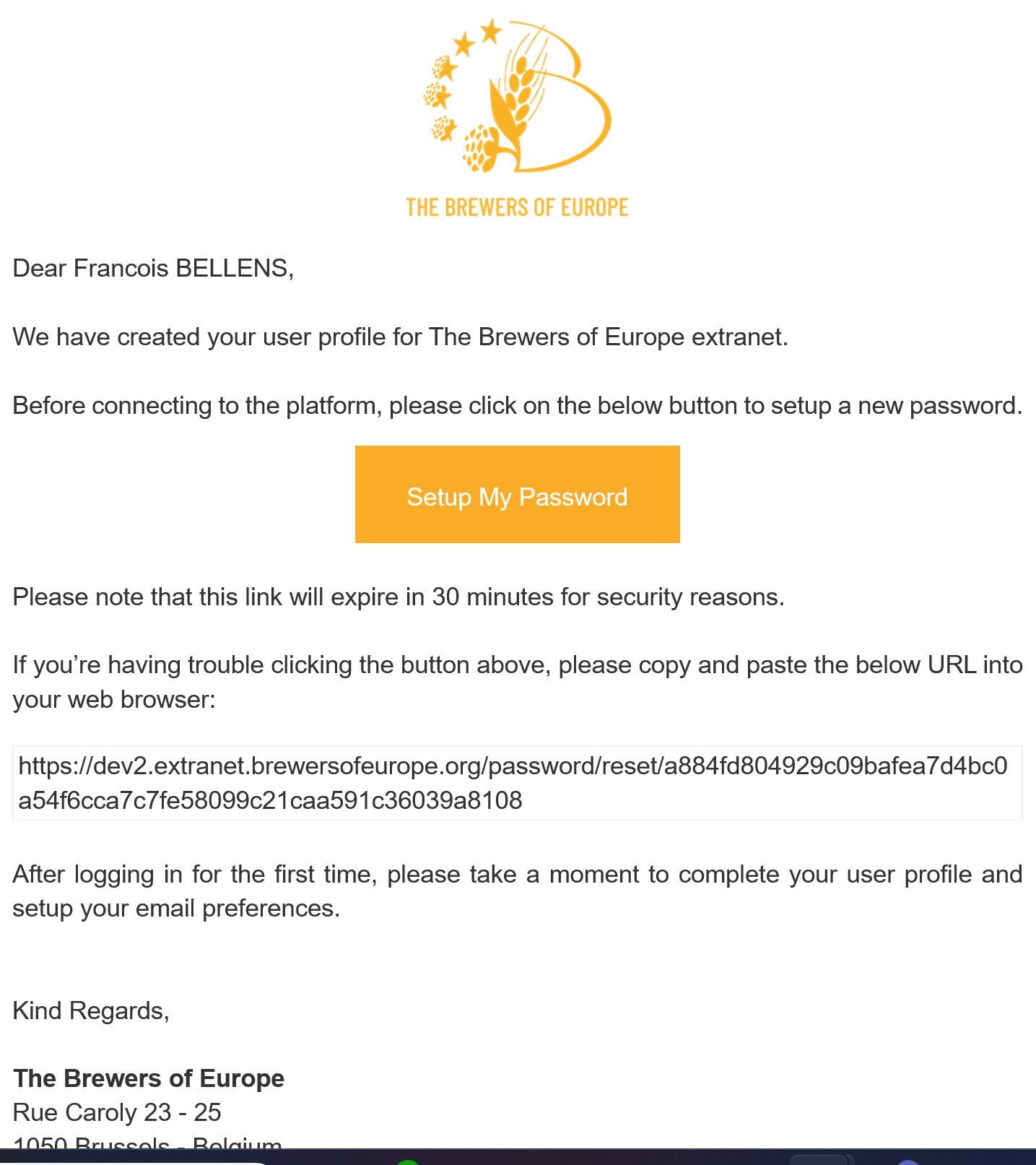
Welcome email
Open the welcome email from The Brewers of Europe. Click on the “Setup My Password” button or copy the provided link into your browser.
Creation of a new password
At least 10 characters, including one lowercase letter, one uppercase letter, and one digit
Scenario 2: New Members who received a Welcome Email
If you are a new member, you will receive a personal welcome email with a link to set up your password. Follow these steps:
- Open the welcome email from The Brewers of Europe.
- Click on the "Setup My Password" button or copy the provided link into your browser. For security reasons, this link is only valid for 30 minutes.
- Create a secure password following the requirements (at least 10 characters, including one lowercase letter, one uppercase letter, and one digit).
- Confirm your password and submit.
- Once your password is successfully created, you can proceed to log in.
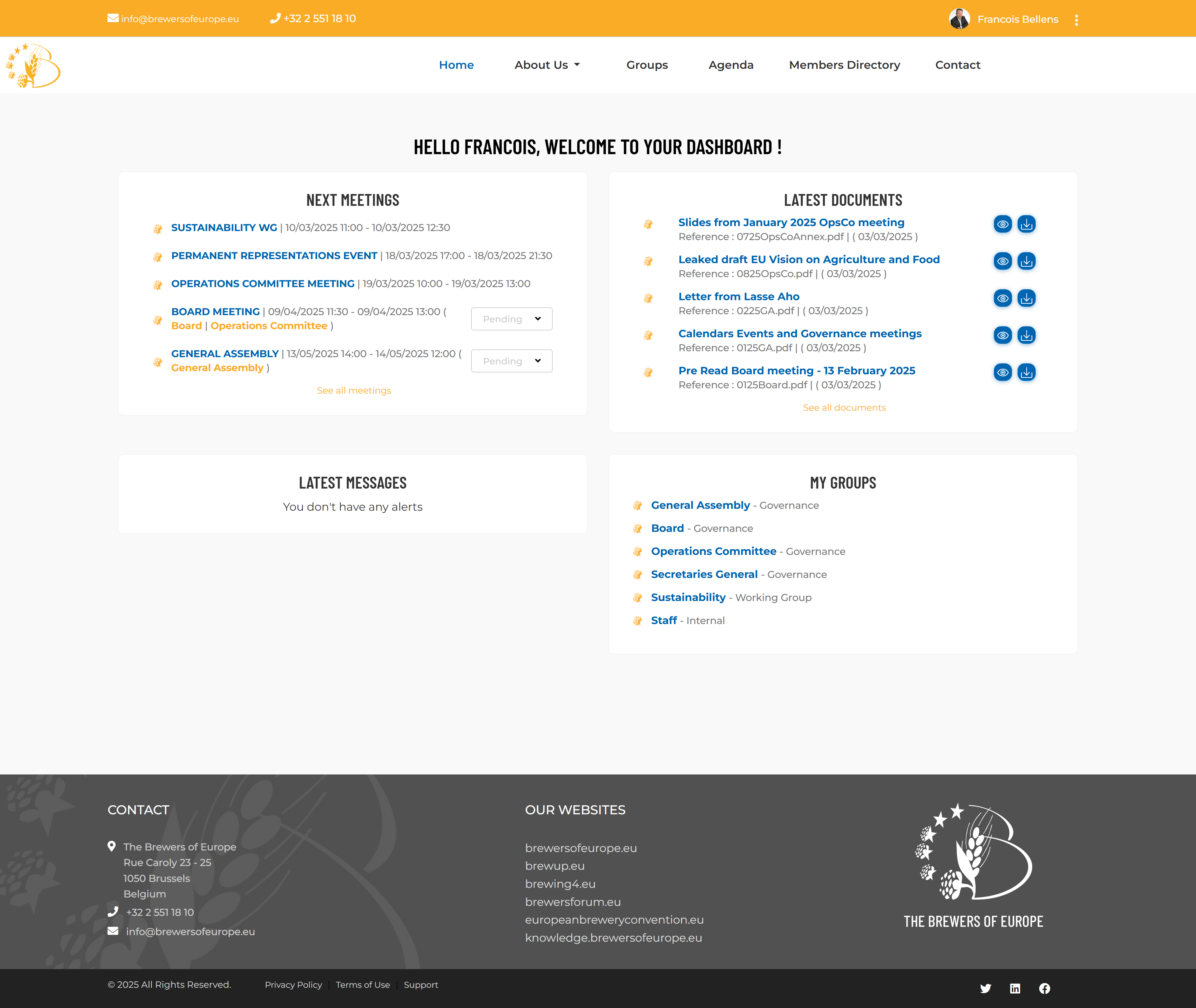
The welcome dashboard
Allowing you to have a 1-click access to essential documents, updates, and resources.
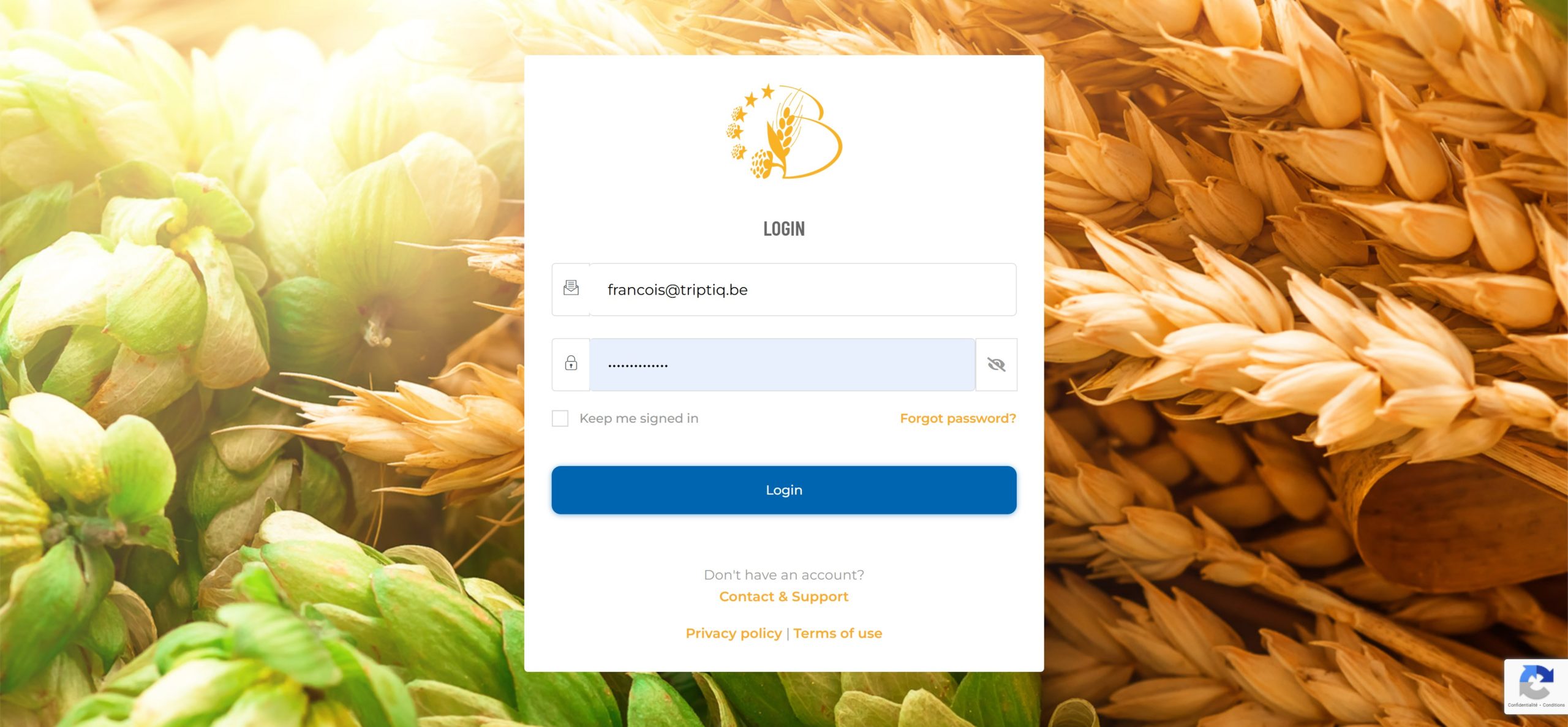
The login screen
Enter your email and password.
Logging In
Once your password has been created successfully, you can log in:
- Go to https://members.brewersofeurope/login.
- Enter your email and password.
- (Optional) Check the "Keep me signed in" box to stay logged in on that device for 90 days.
- Click the "Login" button to access the members' area.µ
- Immediately after logging in, you will access your personal dashboard where you will find relevant content tailored to your needs in four distinct sections:
- Updated agenda
- Latest documents released
- Latest alerts released
- Quick access to groups
This will allow you to have a 1-click access to essential documents, updates, and resources.
Troubleshooting Login Issues
If you encounter any issues while setting up your password or logging in, contact the secretariat for assistance through the contact page.